The library lives elsewhere
The VM owns the ROMs, the metadata and the box art. The console mirrors that library onto its own disk, so a rebuild restores everything and a game never waits on the network to load.
The problem: a library that lives in one place
Over the years I have handed a lot of folders to scrapers, and what I got back was always the same shape: a directory of ROMs with cover art next to them, named whichever way the scraper of the week decided, arranged into a structure that existed on exactly one machine. It looks tidy in a file manager and it is completely disposable — the moment that machine dies, or the moment I reflash it because it is fun to reflash, the metadata is gone and I am renaming files and hunting cover art by hand again.
The box holding my library was the console, which is the one machine here that gets rebuilt on purpose. So the library moved.
RomM as the single source of truth
The library lives on the VM now, in RomM, which runs as two containers: the app itself and the MariaDB it keeps its records in. The ROMs stay in one directory on the VM’s disk and are mounted into the container from there, and the metadata RomM scrapes — the cover art, the descriptions, the hash that identifies which game a file actually is — lives in the database and RomM’s own resource store rather than beside my files.
That last part is the reason I stopped re-scraping: attaching metadata to a file by content instead of by filename means I never have to care what the file is called. It also means adding a game became a server-side action — drop the file into the library on the VM and everything downstream picks it up on a timer, with no step where I am touching the console at all.
        virtualisation.oci-containers.containers = {
          romm-db = {
            image = images.mariadb_12_3;
            environment = {
              MARIADB_DATABASE = "romm";
              MARIADB_USER = "romm-user";
            };
            environmentFiles = [ config.sops.templates."romm-db.env".path ];
            volumes = [ "${dataDir}/mysql:/var/lib/mysql" ];
            extraOptions = [ "--network=romm" ];
          };

          romm = {
            image = images.romm;
            environment = {
              DB_HOST = "romm-db";
              DB_NAME = "romm";
              DB_USER = "romm-user";
              HASHEOUS_API_ENABLED = "true";
            };
            environmentFiles = [ config.sops.templates."romm-app.env".path ];
            volumes = [
              "${dataDir}/resources:/romm/resources"
              "${dataDir}/redis:/redis-data"
              "${libraryDir}:/romm/library"
              "${dataDir}/assets:/romm/assets"
              "${dataDir}/config:/romm/config"
            ];
            ports = [ "127.0.0.1:${toString hostPort}:8080" ];
            dependsOn = [ "romm-db" ];
            extraOptions = [ "--network=romm" ];
          };
        };
Exporting a playlist the Pi can actually use
RetroArch does not read a database. What it reads, per console, is a playlist: a small JSON file listing each game’s path and label, plus one cover image per game in a directory named after the console. So something has to translate one representation into the other, and that translation is where a project like this usually accumulates its worst mess — half a library of scraped art that no longer matches the files it sits next to.
Mine is an hourly job. It reads RomM’s database and writes a self-contained export tree on the VM; the Pi’s sync copies that tree onto its own SSD, which is why the console never talks to a database and why a game loads with no network round trip.
        systemd.services.retroarch-export = {
          description = "Generate RetroArch playlists + box art from RomM";
          after = [ "podman-romm-db.service" ];
          path = [ pkgs.podman ];
          environment = {
            RESOURCES_DIR = "/mnt/data/romm/resources"; # RomM cover store
            OUT_DIR = "/mnt/data/retroarch-export"; # export tree (Pi syncs from here)
            PI_ROM_BASE = "/data/roms"; # where the Pi mounts RomM's library
          };
          serviceConfig = {
            Type = "oneshot";
            # MARIADB_PASSWORD to reach the RomM DB, from the same sops template
            # romm-db uses — so the password never lands in the store.
            EnvironmentFile = config.sops.templates."romm-db.env".path;
            ExecStart = "${pkgs.python3}/bin/python3 ${./retroarch-export.py}";
          };
        };
        systemd.timers.retroarch-export = {
          wantedBy = [ "timers.target" ];
          timerConfig = {
            OnBootSec = "2min";
            OnUnitActiveSec = "1h";
            Persistent = true;
          };
        };
Open the deep-dive — the generator behind the playlists ›
The whole design is one query. It returns a row for every ROM in the library that still exists on disk:
SELECT p.name, r.fs_path, r.fs_name, r.path_cover_l
FROM roms r JOIN platforms p ON p.id = r.platform_id
WHERE r.missing_from_fs = 0 ORDER BY p.name, r.fs_name;
Both things RetroArch needs come out of that single row. The label for a game is its filename with the extension dropped, and the cover is copied from RomM’s resource store and named after that same label. That is the trick worth stealing: the art and the entry it belongs to cannot drift, because they are two renderings of one record rather than two folders that were scraped independently and agreed at the time.
There is one trap in it. Platform names are display names, and display names contain characters that filenames do not — Sega Mega Drive/Genesis has a slash in the middle of it. The name is sanitised once and then used consistently for the playlist filename, the db_name field inside it and the thumbnails directory, so the covers still line up. Get that wrong and everything works except the art, which is a confusing way to spend an afternoon.
The export tree is also rebuilt from scratch on every run rather than updated. A game removed from RomM disappears from the playlist within the hour, and the console’s copy can never accumulate entries whose files are gone.
def fetch_rows() -> list[tuple[str, ...]]:
    # NULL prints as the literal "NULL" in mariadb --batch output.
    query = (
        "SELECT p.name, r.fs_path, r.fs_name, r.path_cover_l "
        "FROM roms r JOIN platforms p ON p.id = r.platform_id "
        "WHERE r.missing_from_fs = 0 ORDER BY p.name, r.fs_name;"
    )
    raw = subprocess.run(
        [
            "podman", "exec", "romm-db", "mariadb", "-uromm-user",
            "-p" + os.environ["MARIADB_PASSWORD"], "romm",
            "--batch", "--skip-column-names", "-e", query,
        ],
        check=True,
        capture_output=True,
        text=True,
).stdoutdef main() -> None:
playlists: dict[str, list[dict]] = {}
covers: list[tuple[str, str, str]] = []
for platform, fs_path, fs_name, cover in fetch_rows():
# A platform name can contain "/" (e.g. "Sega Mega Drive/Genesis"), which
# would break the .lpl path. Sanitise it and use the result consistently
# for the filename, db_name, and thumbnails dir so matching still holds.
platform = sanitize(platform)
label = fs_name.rsplit(".", 1)[0]
playlists.setdefault(platform, []).append(
{
"path": f"{PI_ROM_BASE}/{fs_path}/{fs_name}",
"label": label,
"core_path": "DETECT",
"core_name": "DETECT",
"crc32": "00000000|crc",
"db_name": f"{platform}.lpl",
}
)
if cover and cover != "NULL":
covers.append((cover, platform, label))
# Rebuild the tree from scratch each run so it exactly mirrors the library.
if OUT.exists():
shutil.rmtree(OUT)
(OUT / "playlists").mkdir(parents=True)
for platform, items in playlists.items():
doc = {
"version": "1.5",
"default_core_path": "",
"default_core_name": "",
"label_display_mode": 0,
"right_thumbnail_mode": 0,
"left_thumbnail_mode": 0,
"sort_mode": 0,
"items": items,What the library looks like
Here it is as it stands, read off the VM when this page was built — the consoles that exist as playlists, the games in them, and the cover art RomM scraped. Select a console:
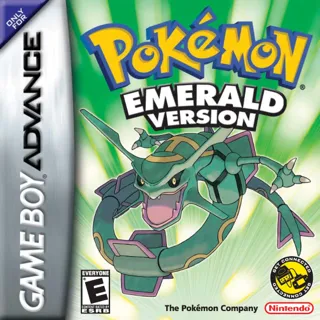
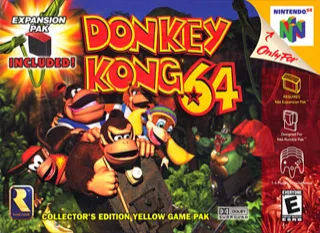
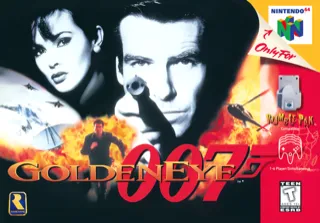
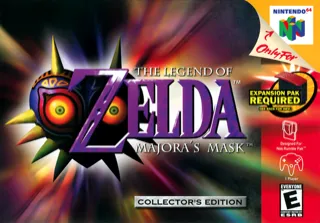
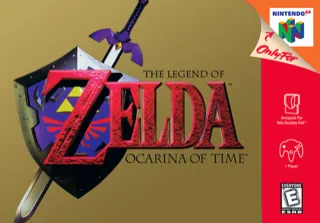
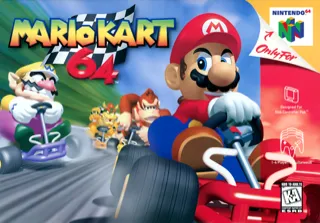
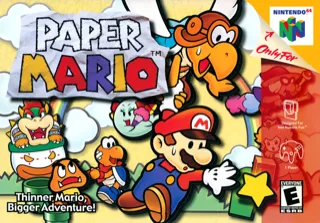
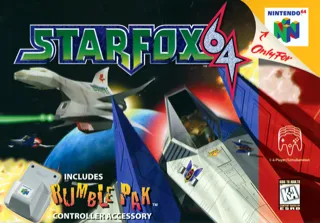
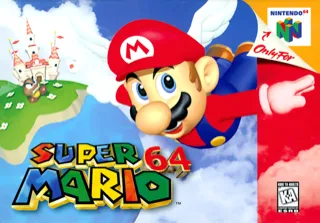



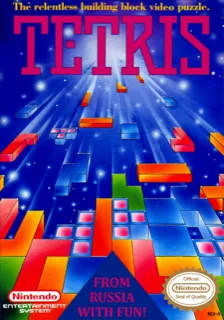
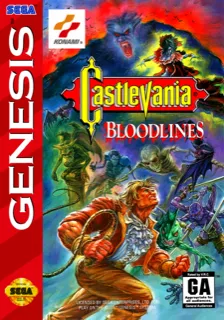
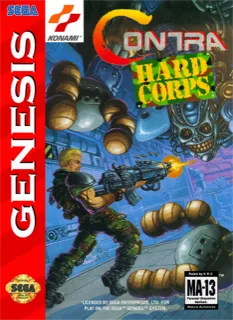

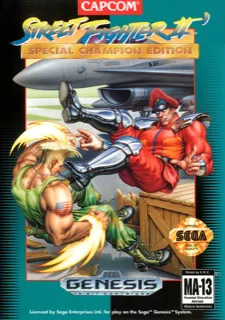
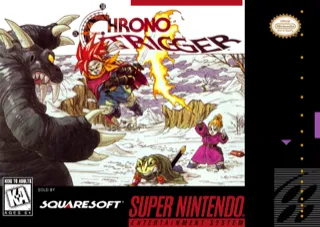


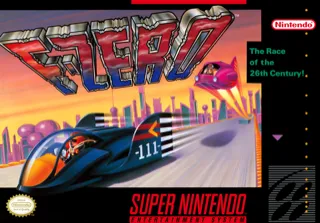
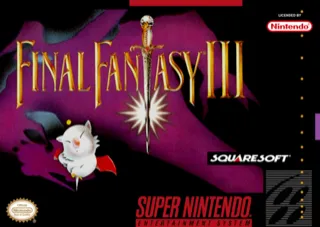
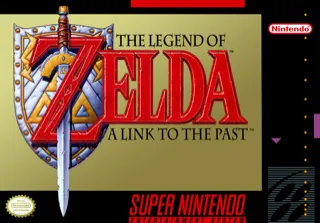
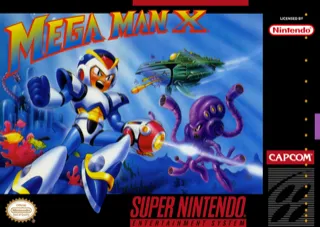
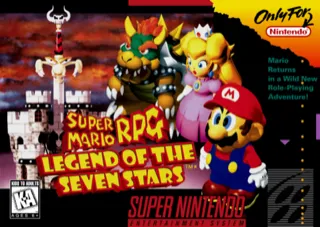
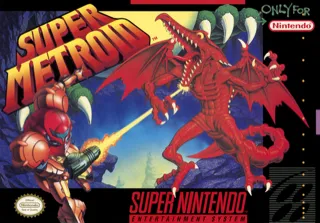
26 games · 5 consoles · snapshot 2026-09-27
The hash mismatch that cost an evening
RetroAchievements is the part of this I would not want to lose twice. It hashes the ROM you are running and looks that hash up, which means two files with identical contents but different containers do not look like the same game to it. Mine silently failed to match on some consoles for a while before I worked out why, because the problem was not in the emulator or in the export at all — it was in the archives.
A lot of ROM archives are not a single ROM. They bundle a readme or some other small metadata file next to the game, which is friendly when you open one by hand and hostile to everything else. RAHasher does not unpack an archive and hash what is inside it; it hashes what it is given, so an archive with a second entry hashes like nothing in RetroAchievements’ database and the game never gets an id. The fix is a second hourly job that rewrites affected archives to contain only the ROM.
What I actually had was silence. Most titles matched and a handful did not — no id, no achievements, no error anywhere in RetroArch, the export or RomM, and the same game under the same core matching for other people. I went through it by elimination: the emulator, the export job, the library paths, a title that worked against one that did not. Trial and error, for an evening.
What broke the tie was unzipping one of the failing files by hand. There was a readme sitting next to the ROM. In every listing the archive that matched and the archive that did not looked identical; they only differed three directories deep, which is why nothing short of opening it was going to show me the difference.
That is why the tidy job runs on a timer instead of once: this failure has no symptom except achievements quietly not appearing, for the games nobody thinks to check.
Open the deep-dive — stripping junk before RetroArch hashes it ›
The job walks every zip under the library root and looks for entries whose extension is .txt, .nfo or .diz — the little metadata files that ship alongside ROMs. It only rewrites an archive if there is something to strip, it refuses to strip an archive down to nothing, and it writes the cleaned archive to a temporary file in the same directory before replacing the original, so an interrupted run cannot leave a truncated zip where a game used to be. A file that is not a valid zip at all is skipped and named in the log.
Running it on a timer rather than at import time keeps it honest: whatever I drop into the library gets cleaned before RomM’s next scan looks at it, and a run with nothing to fix does nothing at all.
      config = lib.mkIf have {
        systemd.services.romm-library-tidy = {
          description = "Strip non-ROM files from RomM library zips (for RA hashing)";
          environment.LIBRARY_DIR = "/mnt/data/roms"; # RomM ROM library root
          serviceConfig = {
            Type = "oneshot";
            ExecStart = "${pkgs.python3}/bin/python3 ${./romm-library-tidy.py}";
          };
        };
        systemd.timers.romm-library-tidy = {
          wantedBy = [ "timers.target" ];
          timerConfig = {
            OnBootSec = "3min";
            OnUnitActiveSec = "1h";
            Persistent = true;
          };
        };
};ROOT = pathlib.Path(os.environ["LIBRARY_DIR"])
JUNK = {".txt", ".nfo", ".diz"}
changed = 0
for zp in sorted(ROOT.rglob("*.zip")):
try:
with zipfile.ZipFile(zp) as z:
infos = z.infolist()
junk = [i for i in infos if pathlib.PurePath(i.filename).suffix.lower() in JUNK]
keep = [i for i in infos if i not in junk]
if not junk or not keep:
continue # nothing to strip, or stripping would empty the archive
fd, tmp = tempfile.mkstemp(dir=str(zp.parent), suffix=".zip")
os.close(fd)
with zipfile.ZipFile(tmp, "w", zipfile.ZIP_DEFLATED) as zout:
for i in keep:
zout.writestr(i, z.read(i.filename))
os.replace(tmp, zp)
os.chmod(zp, 0o664)
changed += 1
print(f"stripped {[i.filename for i in junk]} from {zp.name}")
except zipfile.BadZipFile:
print(f"SKIP (bad zip): {zp}")The library is now somewhere that outlives the console, and the console carries a disposable copy of it. What the library cannot do is get better on its own: the games are replaceable, but the hours in them are not. That is the next part.